What is a User ID?
Your user ID is a four-digit number assigned to you when your account was created. It is sometimes called "Customer ID".
All CardinalStone clients have one user ID across all their business involvements. For example, a mutual funds and securities trading client can access both accounts in a singular dashboard using his/her User ID.
To Recover User ID
User must know the email address associated with their CardinalStone account.
Step 1: Access the web, iOS or Android application.
Step 2: Click "Forgot Password"
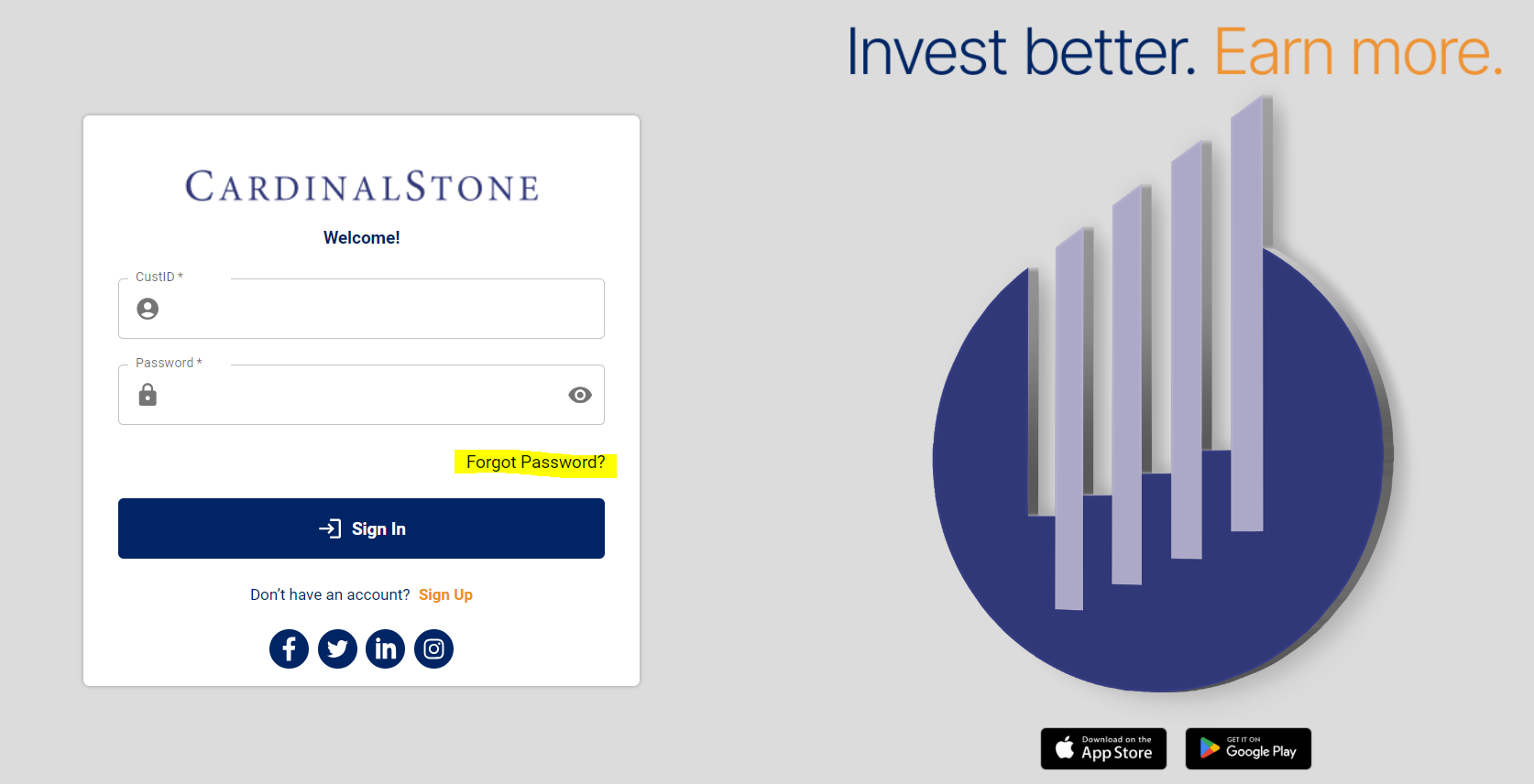
Step 2: Enter email address
- Enter email address used to sign up for CardinalStone account and click "submit".
- This triggers an email to your email address, informing you of all User IDs associated with that account.
Was this article helpful?
That’s Great!
Thank you for your feedback
Sorry! We couldn't be helpful
Thank you for your feedback
Feedback sent
We appreciate your effort and will try to fix the article