A username can be used interchangeably with the User ID at login.
To create a username:
Step 1: Access the web, iOS or Android application.
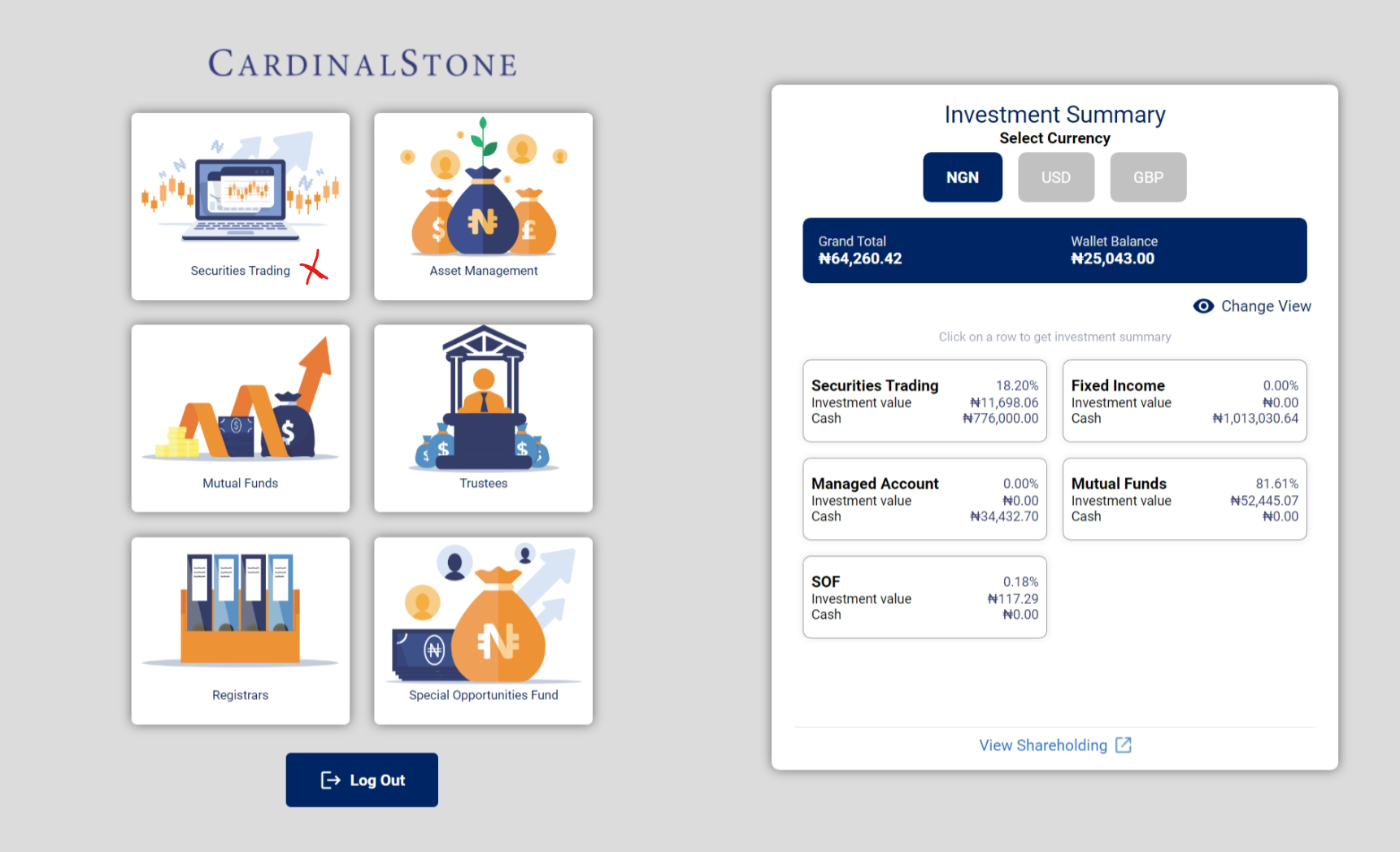
Step 2: Select any of the available products
- Eg Securities Trading
Step 3: Navigate to the profile section
- Click "My Profile" from the left navigation panel
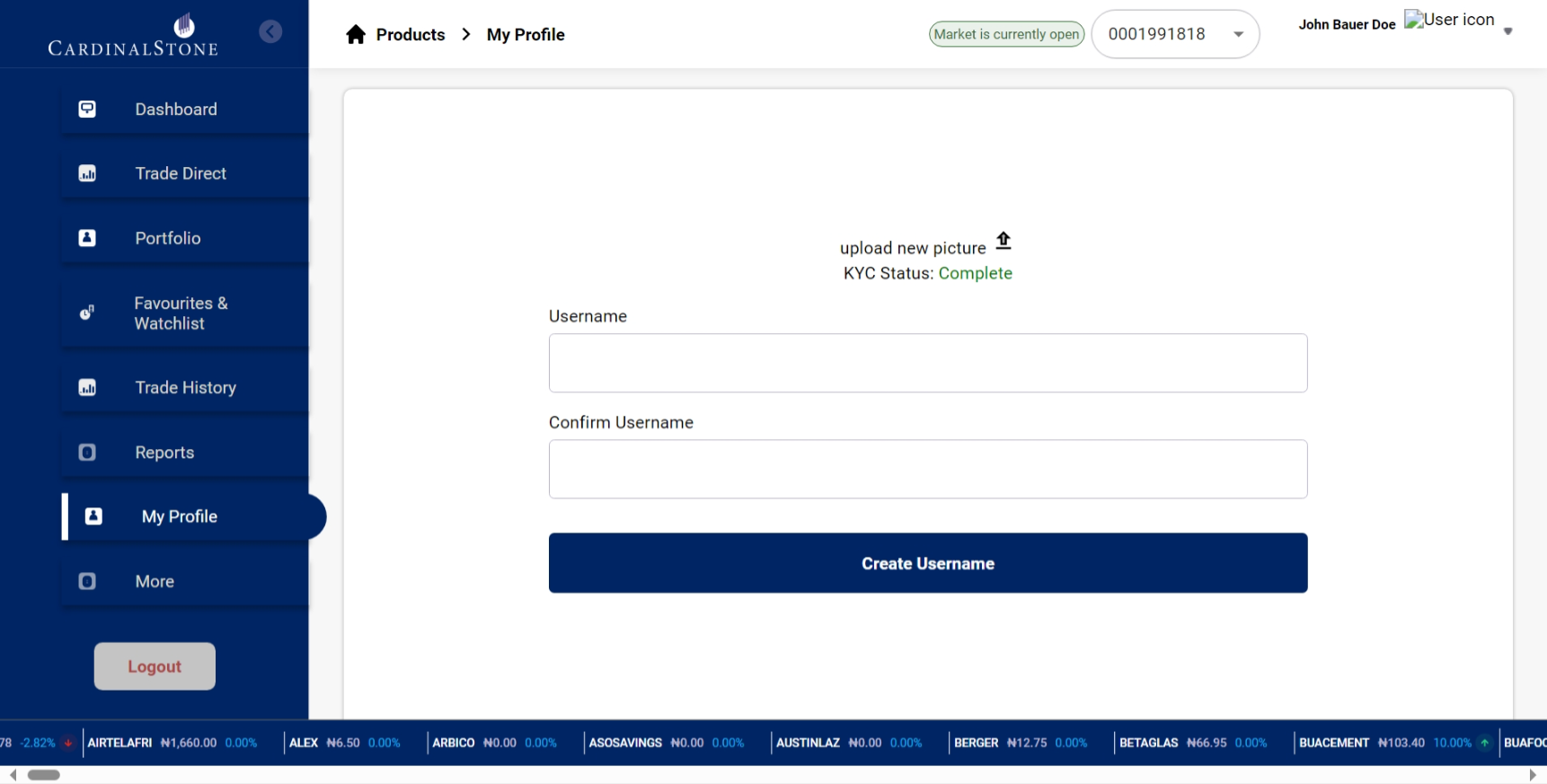
- Enter desired username twice - once in the "username" input box, and again in the "confirm username" input box
- Click create username
Was this article helpful?
That’s Great!
Thank you for your feedback
Sorry! We couldn't be helpful
Thank you for your feedback
Feedback sent
We appreciate your effort and will try to fix the article