A CardinalStone Wallet is a charge free method of paying for CardinalStone services. All users can directly fund their wallet via Paystack transfer, USSD, card payment, gift card redemption or virtual account.
Please note: There is an online funding limit of ₦4,900,000 per transaction and NEFT transactions are not successful for any of the online funding methods. Kindly use NIBBS for bank transfers.
Step 1: Access the web, iOS or Android application.
- Login using your CardinalStone credentials
- How to Login
Step 2: Select any of the available products.
- Eg: Securities Trading
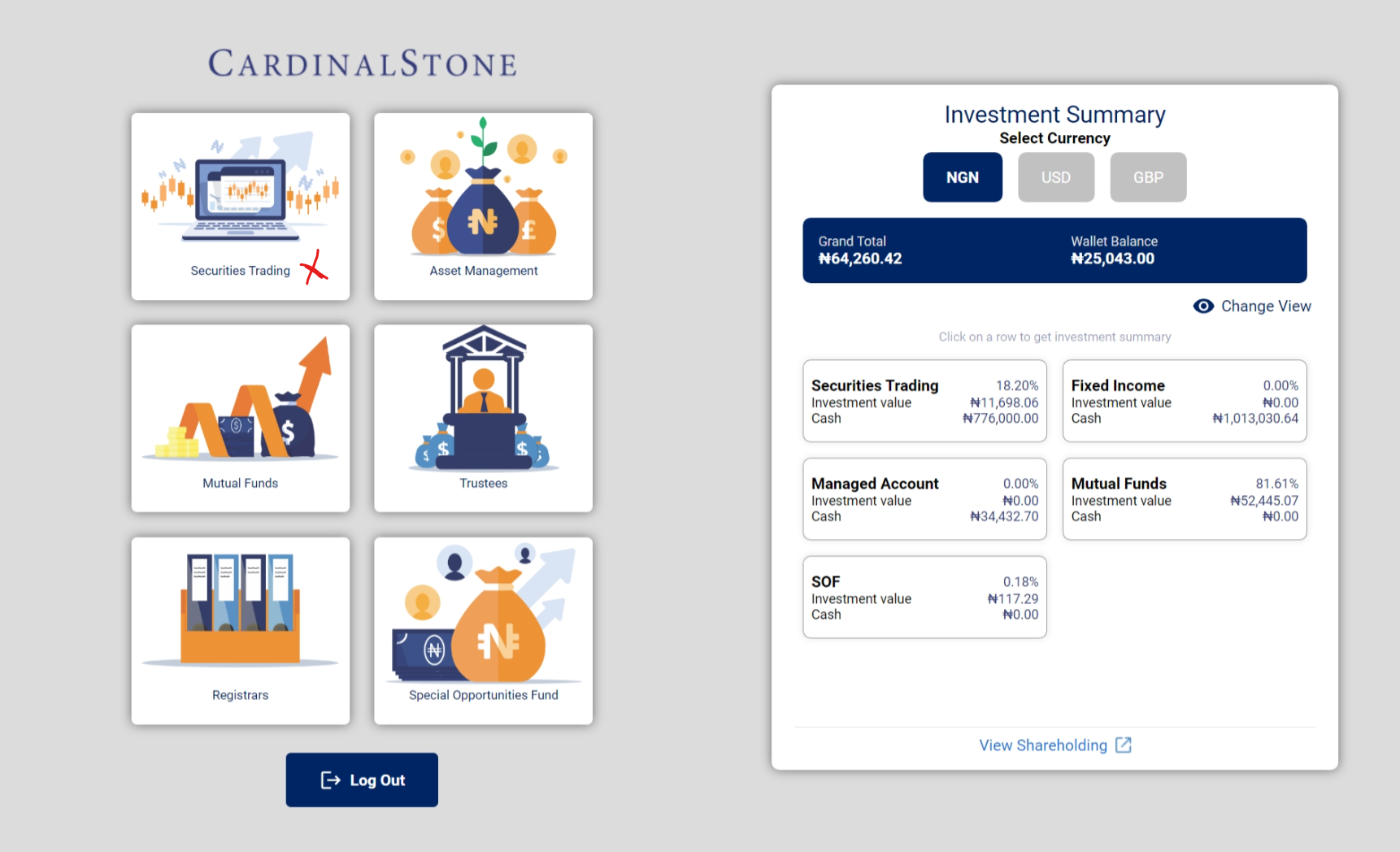
- This redirects you to the product dashboard.
Step 3: Apply for a Wallet
To apply for a wallet, search for the “Wallet” Card on your dashboard and click the “+” to apply. This product is only available to KYC compliant clients. Funds transferred to your virtual account will reflect in your wallet if you have one.
Read this article to learn more about the virtual account. What is a Virtual Account?
Was this article helpful?
That’s Great!
Thank you for your feedback
Sorry! We couldn't be helpful
Thank you for your feedback
Feedback sent
We appreciate your effort and will try to fix the article